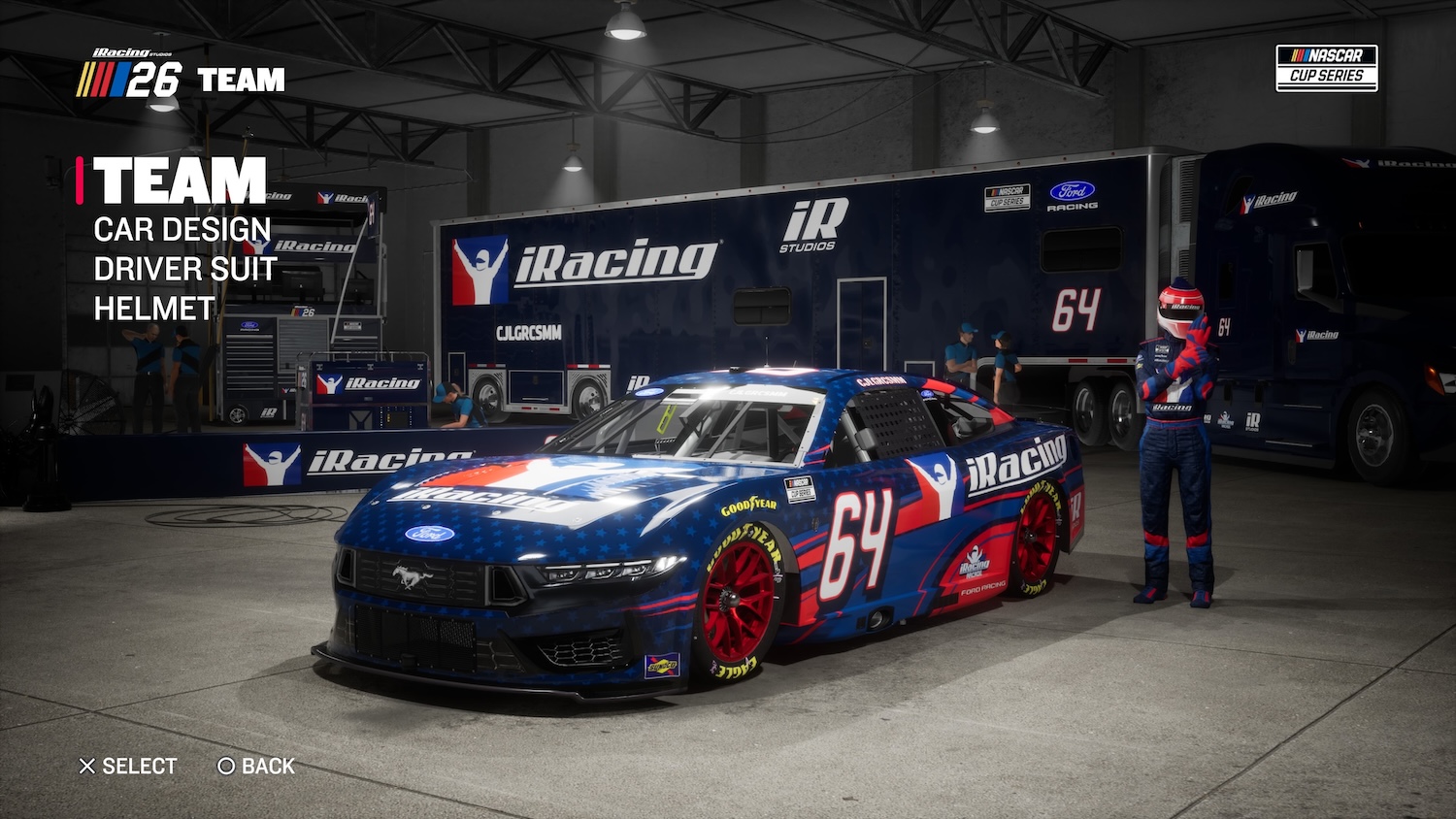
My Team is where NASCAR 26 players to go to put their own spin on the NASCAR experience with custom paint schemes, firesuits, and helmets. The only limit is your imagination!
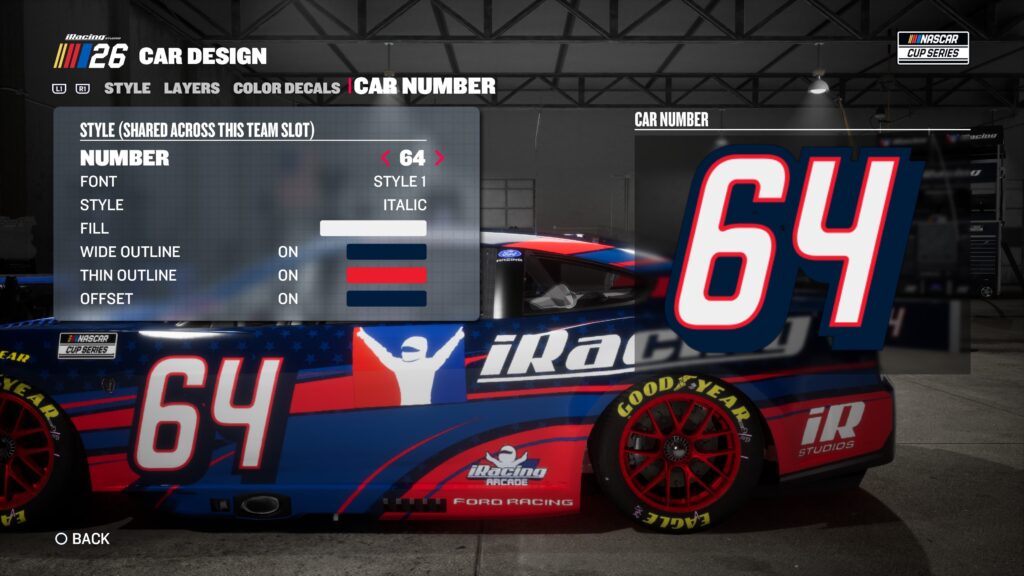
My Team starts with Team Design, where you’ll choose your car number, manufacturer, team colors, driver info, and the sponsors that show up on your hauler and pit box. Your car number includes multiple options for fonts, colors, and outlines that you can toggle on and off, and you can select any NASCAR-legal number that you’d like.
Next up is Car Design. Start under the Style tab, where you’ll pick a base scheme and colors. Make sure to check on your Color Decals to ensure those decals are legible everywhere. You can also adjust the look of your Car Number again if it doesn’t match the scheme you’ve put together as well as you hoped.
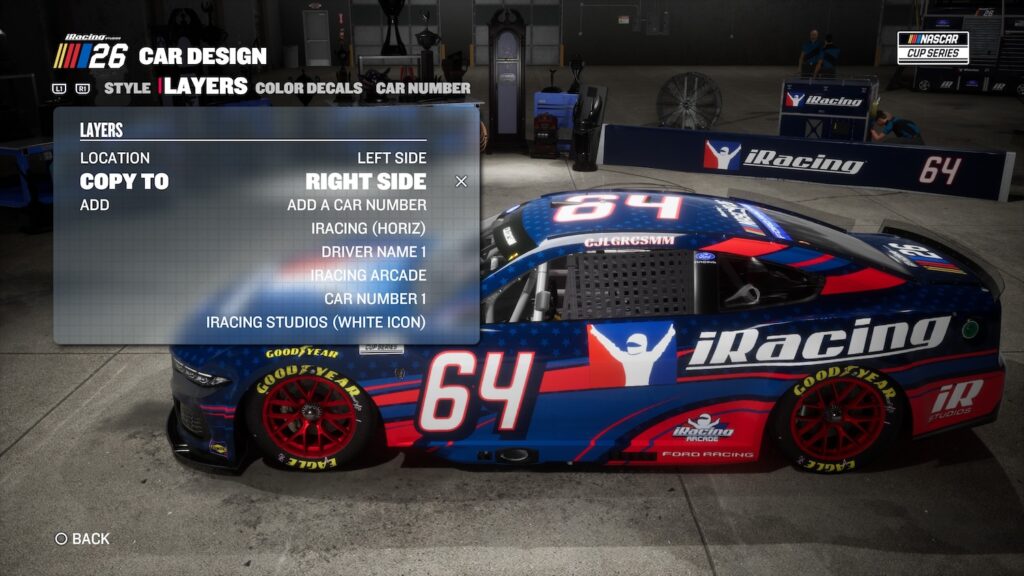
But the Layers tool is where you’ll do most of your work—it’s where you’ll place car numbers, driver names, shapes, and your choice of hundreds of real-world licensed sponsors from every NASCAR and ARCA division. We’ve also added a quick copy tool so you can design on one side of the car and quickly apply a mirrored version to the other.
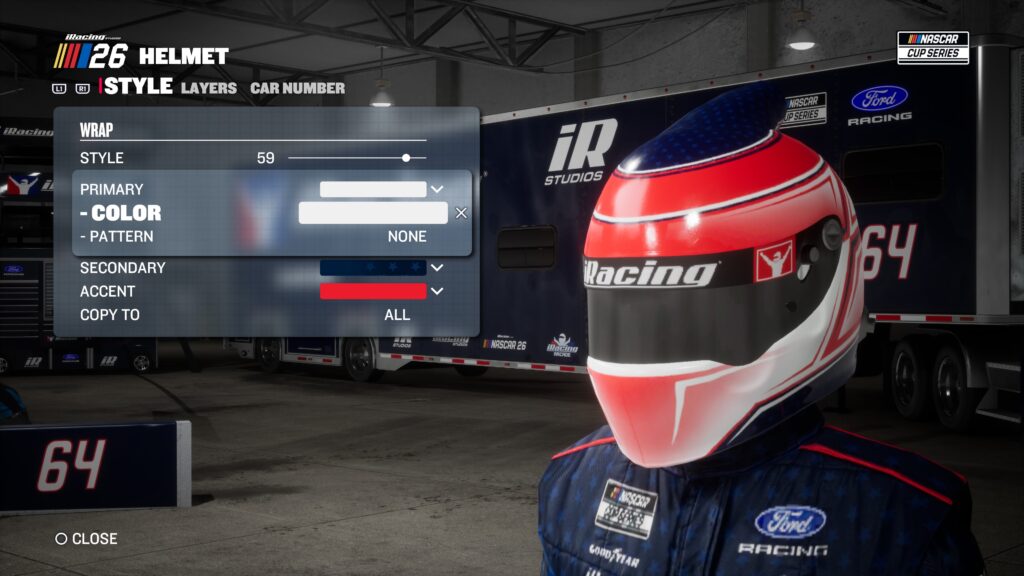
My Team doesn’t stop at designing your car. There are also dozens of helmet and firesuit templates, and each includes the same customization options as your car. Add sponsors, implement pre-made patterns, and use shapes to create the look and feel you want.
Do you have lots of ideas for custom cars and trucks? There are four slots per series, for a total of 16. You can keep the same number across the board or apply a different number to every scheme.
Once you’re done, you can select your custom rides in all single and multiplayer modes except for Career Mode. In the Select Driver menu, you’ll be able to cycle through all four options for whichever series you’re about to race in.