
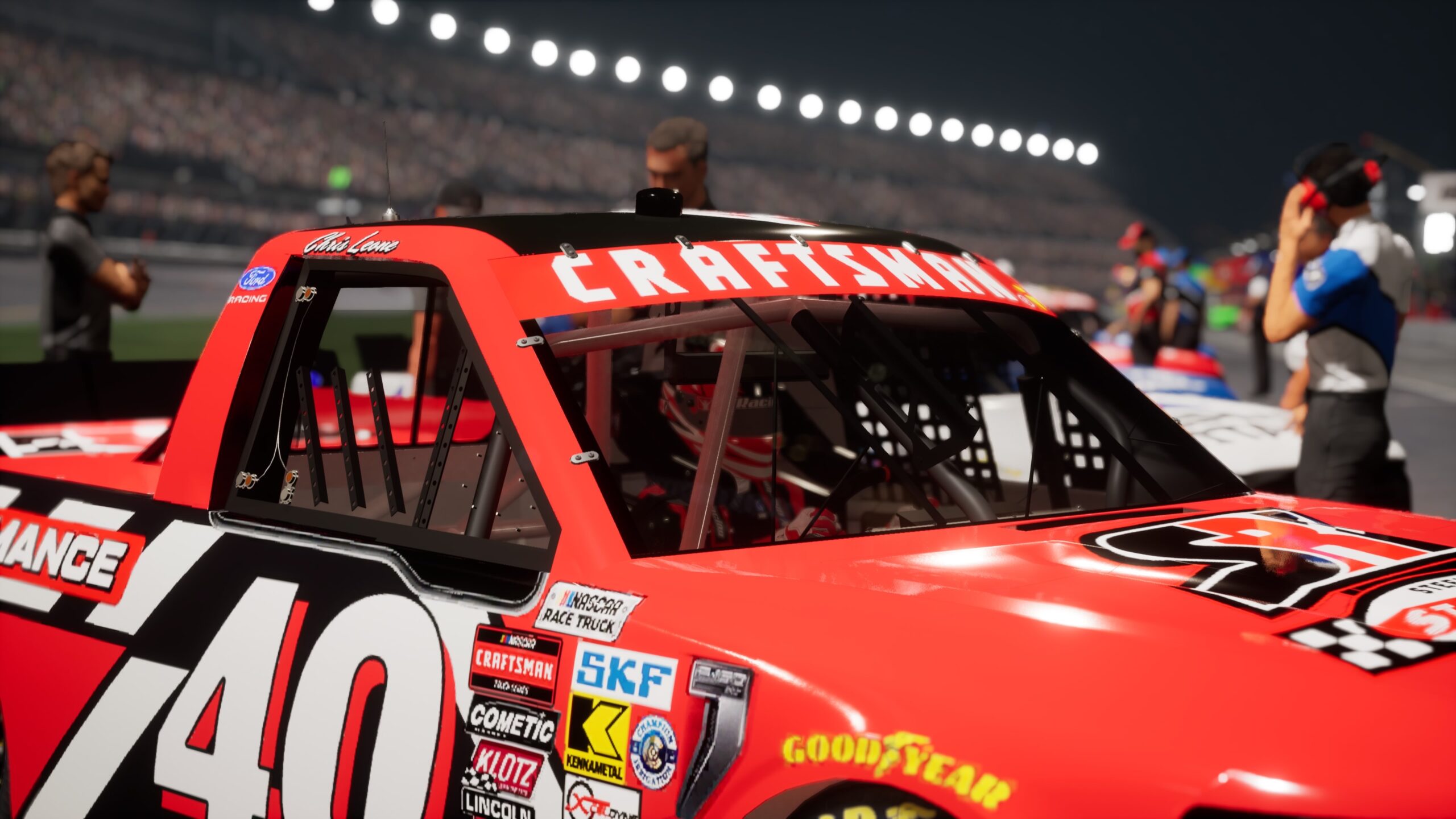
Welcome to the official NASCAR 26 Career Mode walkthrough! In this series, we’ll give you the inside line on making the most out of your NASCAR 26 career, working your way up from a start-up team in the ARCA Menards Series to the upper echelons of the NASCAR Cup Series.
Today, we’re going to look at your first offseason and ascent into the NASCAR Craftsman Truck Series.
Offseason Choices
After the season ends, you’ll see a recap of your stats and winnings, and if you’ve earned the chance to move up, this is when you’ll set up your new team. Before you start the next season, you’ll be able to choose which series you intend to race—you can choose any of your previously unlocked series, or to just focus on the highest ranked one.
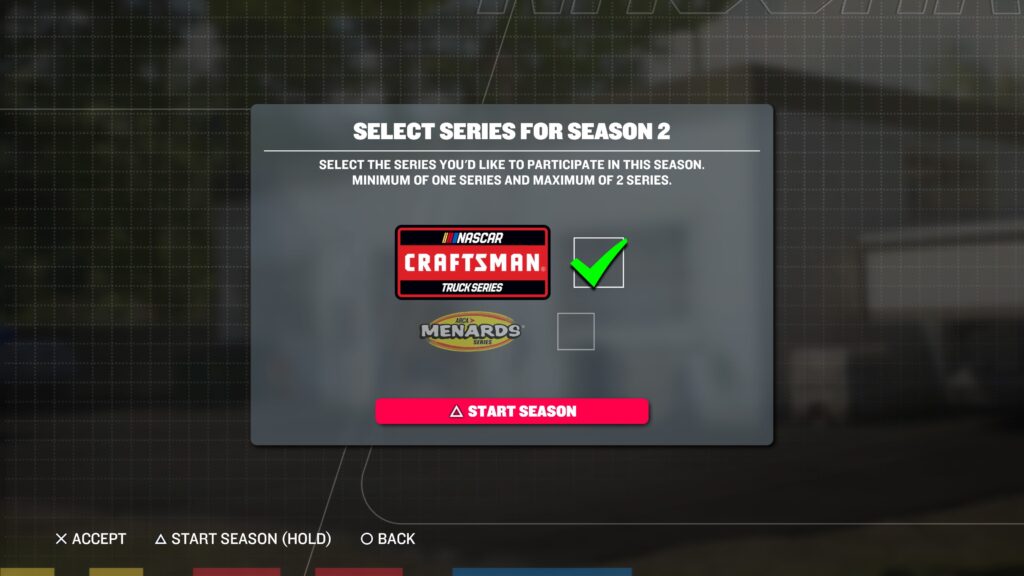
Running two series at once is a great way to boost your Reputation faster, but your choices will lock in until the next offseason, so there’s no bailing out of the commitment. The only exception is if your series are scheduled to hit two different tracks on the same week—then, you’ll have to make a choice; otherwise, your sessions will see you bounce back and forth.
The financial advantage to running multiple series at once is, if your equipment is in great shape in one, you can use your winnings to subsidize the other. However, you won’t be able to unlock top tier parts right away in any new series, and you’ll also need to choose which vehicle gets any new part you buy if you choose to install right away.
Want to size up your top competition in the new series? Head over to Standings in the Race Shop and toggle between seasons. You’ll be able to see how everyone raced in Trucks while you were competing in ARCA and find out who the defending champion is.
Next-Level Management
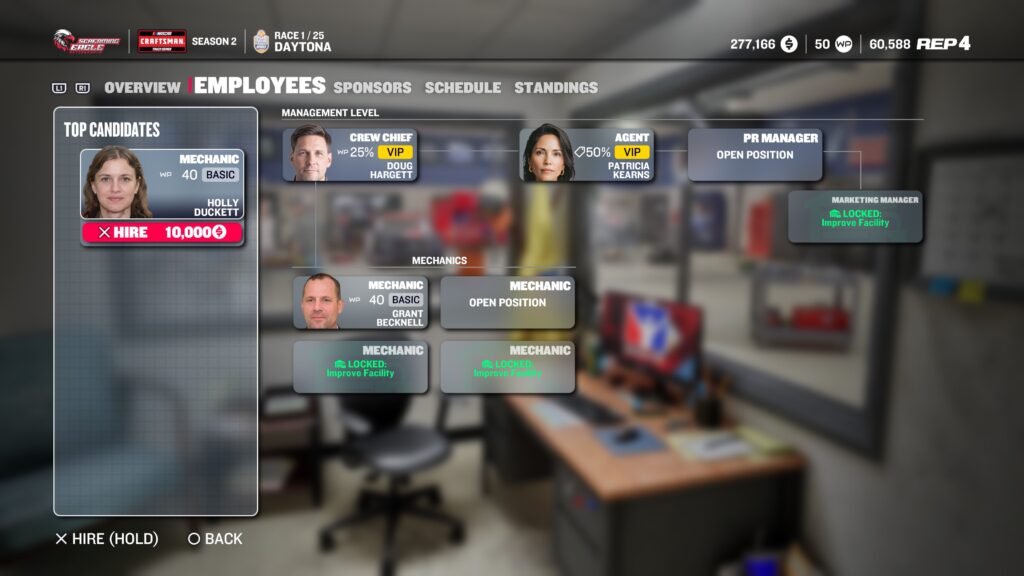
A new series means a new shop and a new Crew Chief and Agent, and additional new PR Manager and Mechanic hires down the road. It also means some new managerial challenges. In the Truck Series, you’ll be managing two vehicles—one that goes to the track, and one that undergoes work so it can run the following race.
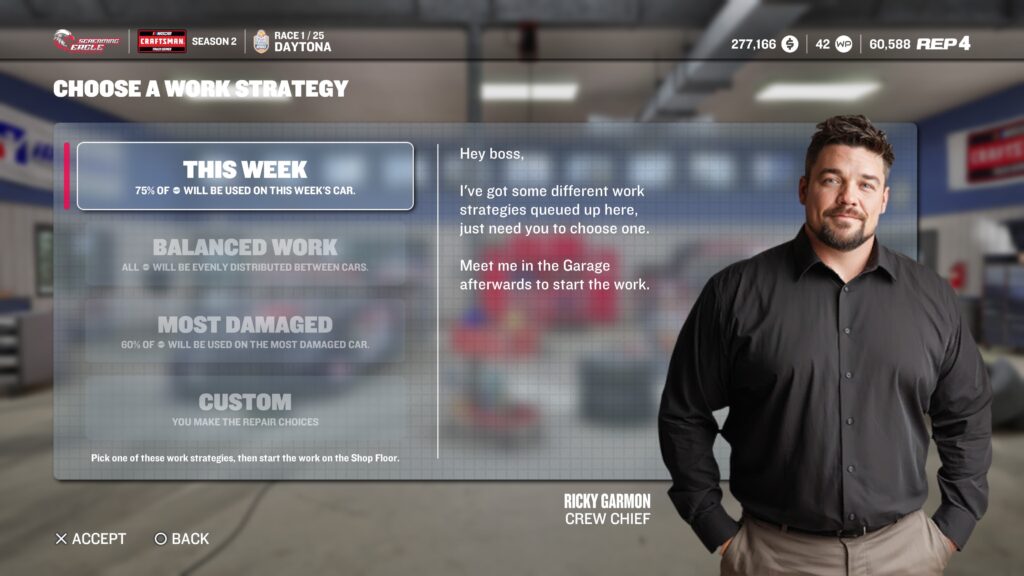
With multiple vehicles to manage in the Truck Series, your Work Points distribution strategy may need to change. If you rely on your Crew Chief to pick the work, they will give you the option to focus work on this week’s entry, the most damaged vehicle, or balance things evenly between both. You can still assign work yourself as well.
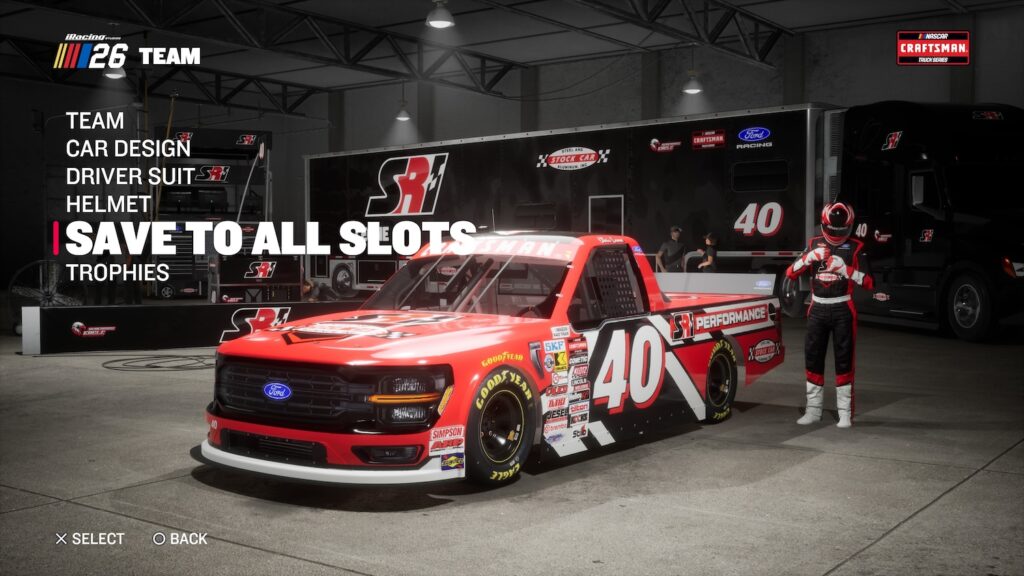
Having two trucks also means, for those who like extra customization, another slot in the Paint Kit. You may want to create subtle visual differences between your two trucks so you can better keep track of which is which. Otherwise, use the “Save To All Slots” button when you’re done painting your first truck to ensure consistency across the board.
Next time, we’ll take a look at how your Parts are affected by the move up to the Truck Series, as well as the advantages of your newest set of Facilities upgrades.
Looking for more help with NASCAR 26’s Career Mode? Click the tag below for all articles!